This article was updated after a tip from Daniel Plaisted – see comments
I was happily adding Windows Phone 8.1 support to WpWinNl – or actually support for Universal Windows Apps - when I noticed that basically all I was doing was linking files from the Windows 8.1 project – without any changes. Convergence FTW! Although that made adding the support as such pretty simple, I also envisioned a maintenance nightmare coming towards me as would not only need to maintain links between Windows 8.1 and Windows Phone 8.0, but also between Windows 8.1 and Windows Phone 8.1. Maybe it was time to go PCL. That went pretty well, until I hit a major roadblock.
This roadblock, my friends, is very simple: the behaviors SDK, and thus everything in Microsoft.Xaml.Interactivity, is not available to PCL. This has probably to do with the fact that the behaviors SDK for Windows 8 is a separate entity, not part of the core framework, that was added later. This same characteristic has moved over to Windows Phone 8.1. It basically boils down to this: every behavior must implement Microsoft.Xaml.Interactivity.IBehavior and this is sitting in two separate assemblies – one for Windows, one for Windows Phone. On my Surface Pro they are sitting in C:\Program Files (x86)\Microsoft SDKs\Windows\v8.1\ExtensionSDKs\BehaviorsXamlSDKManaged\12.0\ for Windows 8.1 and in C:\Program Files (x86)\Microsoft SDKs\WindowsPhoneApp\v8.1\ExtensionSDKs\BehaviorsXamlSDKManaged\12.0\ for Windows Phone 8.1
Now what?
Of course, like I wrote before, you can moan and complain about this and send venomous tweets to Joe Belfiore, Cliff Simpkins or just the first Windows Phone MVP you can find – or you can pause and think if there’s a way around it. This is the thing I love to do – explore, thinker, invent – and come to a solution. Because as it turns out, my friends, there is one.
 The key to the solution is this pretty odd article that, believe it or not, was sent to a closed mailing list of Windows Phone MVPs to collect opinions on – by none other than Matthijs Hoekstra, just the day before I wrote this. Then I thought it was a crazy idea - today I find it an invaluable clue. Talking about coincidences. It’s like basic research – you never know where the next life saving idea will be coming from ;-) .
It’s called the “Bait and switch PCL trick” and it basically makes use of a very odd NuGet trick – it will always prefer a native platform library over a PCL. If you make a NuGet package that contains both a PCL and a native version, the PCL is then only used at compile time. So what I did was create this crazy NuGet package called CrossPlatformBehaviorBase (I think I am going to change that later) that basically has three projects in it: once PCL, one Windows Phone 8.1, and one Windows 8.1.
The key thing is that the implementation for Windows Phone and Windows are the same (in fact, the Windows Phone 8.1 implementation is linked from the Windows implementation, but the PCL is slightly different. The PCL version is a copy of the normal IBehavior interface, namespace and all:
using Windows.UI.Xaml;

namespace Microsoft.Xaml.Interactivity
{
  public interface IBehavior
  {
    DependencyObject AssociatedObject { get; }

    void Attach(DependencyObject associatedObject);

    void Detach();
  }
}
Whereas the Windows Phone and Windows implementations look like this:
[assembly: System.Runtime.CompilerServices.TypeForwardedTo(
  typeof(Microsoft.Xaml.Interactivity.IBehavior))]
Indeed, that is all. A type forwarding statement to convince the compiler to look for the right IBehavior at runtime. I did not know this trick, but Daniel Plaisted alerted me in the comments.
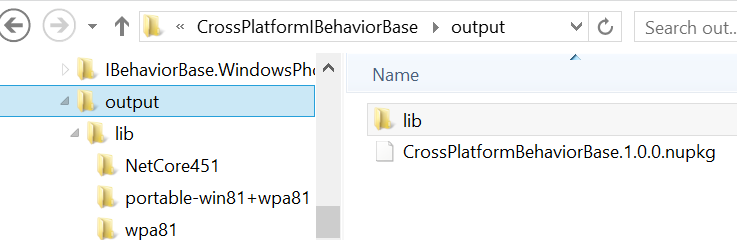
 If you build for release this will create three projects neatly conforming to NuGet naming specifications and finally run a little command file that creates a NuGet package in the output folder directly under the solution folder.
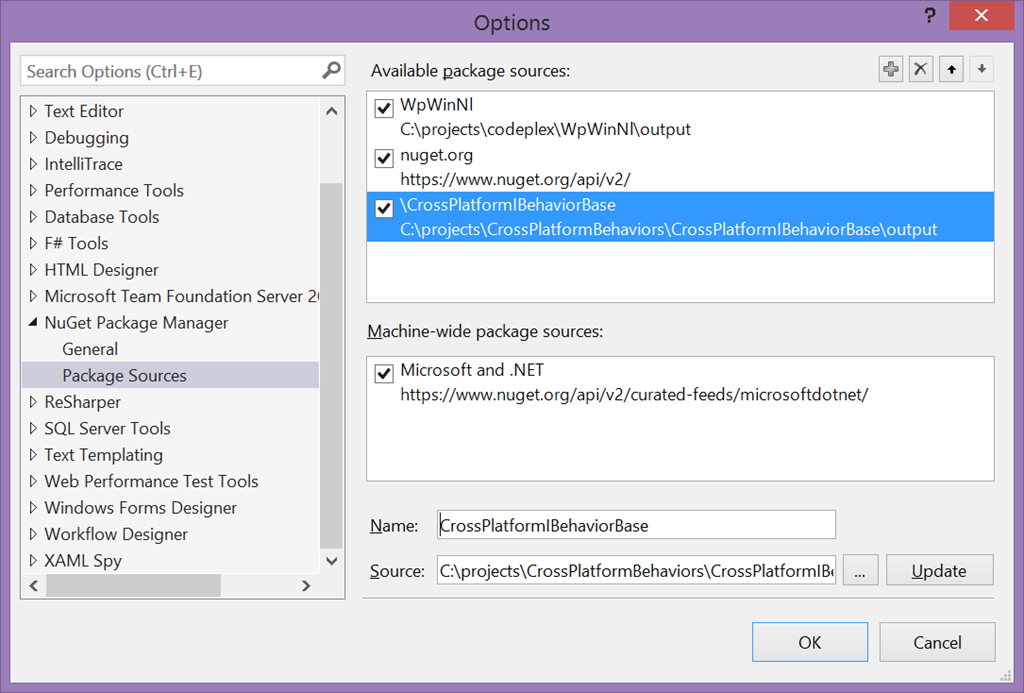
To be able to install the package, you need to specify that folder as a NuGet source:

 Mind you, in the future this will all be on NuGet so you won’t have to put up with this. For now, am just explaining how it’s done.
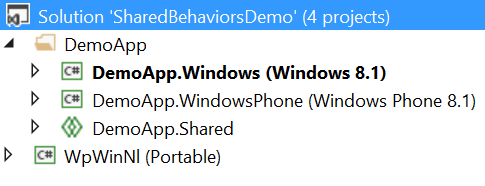
Anyway, I went ahead and created an Universal Windows App DemoApp, and added a Windows Phone 8.1/Windows 8.1 PCL “WpWinNl” to the solution.
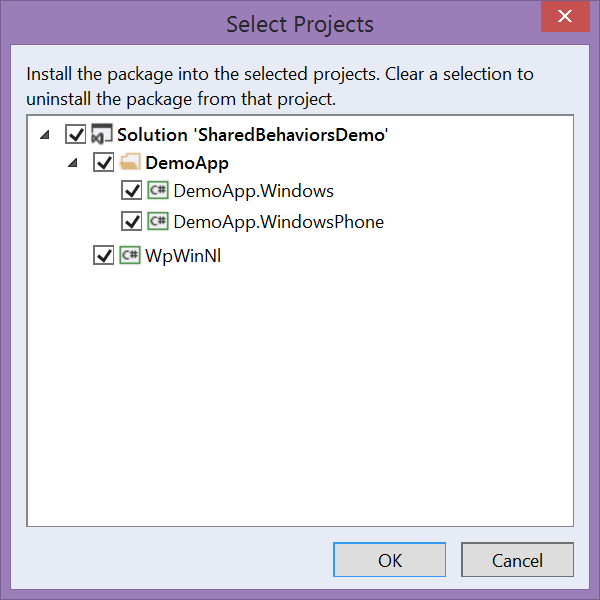
The newly created NuGet package needs to be installed in all three projects:
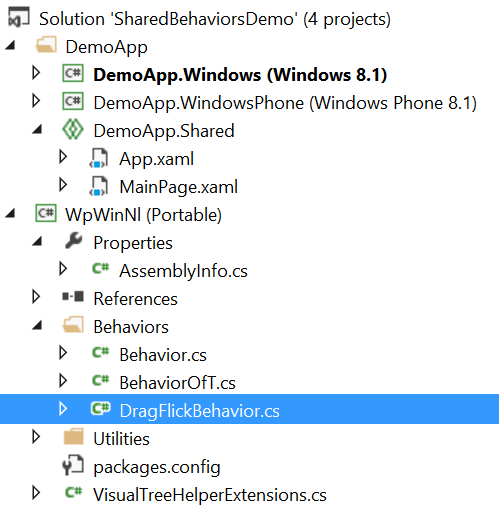
 And then I started in copying stuff from WpWinNl,starting with the Behavior base class that I created to maintain compatibility with ‘Silverlight style’ behaviors:
using Windows.UI.Xaml;

namespace WpWinNl.Behaviors
{
  public abstract class Behavior : DependencyObject, IBehavior
  {
    public DependencyObject AssociatedObject { get; set; }

    public virtual void Attach(DependencyObject associatedObject)
    {
      AssociatedObject = associatedObject;
    }

    public virtual void Detach()
    {
    }
  }
}
This will compile fine, now I have the replacement IBehavior in the PCL version. We continue with the Behavior<T> which of course compiles as well:
namespace WpWinNl.Behaviors
{
  public abstract class Behavior<T> : Behavior where T: DependencyObject
  {
    [System.ComponentModel.EditorBrowsable(
       System.ComponentModel.EditorBrowsableState.Never)]
    public new T AssociatedObject { get; set; }

    public override void Attach(DependencyObject associatedObject)
    {
      base.Attach(associatedObject);
      this.AssociatedObject = (T)associatedObject;
      OnAttached();
    }

    public override  void Detach()
    {
      base.Detach();
      OnDetaching();
    }

    protected virtual void OnAttached()
    {
    }

    protected virtual void OnDetaching()
    {
    }
  }
}
 Which basically comes over from the existing WpWinNl implementation unchanged. For kickers, I then put my infamous DragFlickBehavior, and all my animation code that has been featured on this blog multiple times on top of it and lo and behold – with a minor addition it just works. And I was able to delete all #ifdef statements for Windows Phone out, leaving only the former ‘just windows’ code. All in PCL. And all usable both on Windows Phone and Windows.

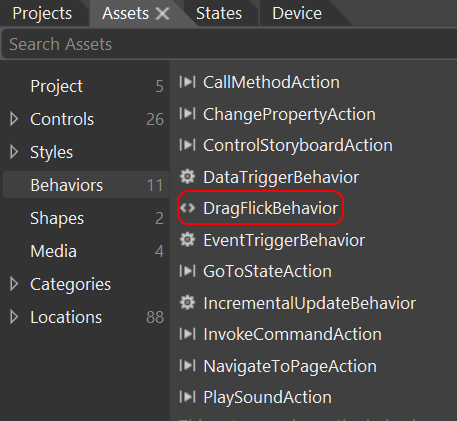
As coupe de grace I put the whole of MainPage.xaml in the shared portion, opened Blend and sure enough – there was my DragFlickBehavior:
So I dropped a date picker, a text box and a button on the screen and dragged my PCL-DragFlickBehavior on top on all three:
<Page
    xmlns="http://schemas.microsoft.com/winfx/2006/xaml/presentation"
    xmlns:x="http://schemas.microsoft.com/winfx/2006/xaml"
    xmlns:d="http://schemas.microsoft.com/expression/blend/2008"
    xmlns:mc="http://schemas.openxmlformats.org/markup-compatibility/2006"

    xmlns:Interactivity="using:Microsoft.Xaml.Interactivity"
    xmlns:behaviors="using:WpWinNl.Behaviors"

    x:Class="DemoApp.MainPage"
    mc:Ignorable="d">

  <Grid Background="{ThemeResource ApplicationPageBackgroundThemeBrush}">
    <Button Content="Button" HorizontalAlignment="Left" Height="37"
      Margin="101,114,0,0" VerticalAlignment="Top" Width="108">
      <Interactivity:Interaction.Behaviors>
        <behaviors:DragFlickBehavior/>
      </Interactivity:Interaction.Behaviors>
    </Button>
    <DatePicker HorizontalAlignment="Left" Margin="48,230,0,0"
                VerticalAlignment="Top">
      <Interactivity:Interaction.Behaviors>
        <behaviors:DragFlickBehavior/>
      </Interactivity:Interaction.Behaviors>
    </DatePicker>
    <TextBlock HorizontalAlignment="Left" Height="42" Margin="132,310,0,0"
        TextWrapping="Wrap" Text="Blabla" VerticalAlignment="Top" Width="121">
      <Interactivity:Interaction.Behaviors>
        <behaviors:DragFlickBehavior/>
      </Interactivity:Interaction.Behaviors>
    </TextBlock >
  </Grid>
</Page>
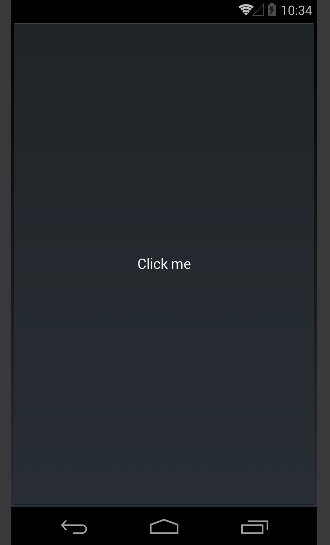
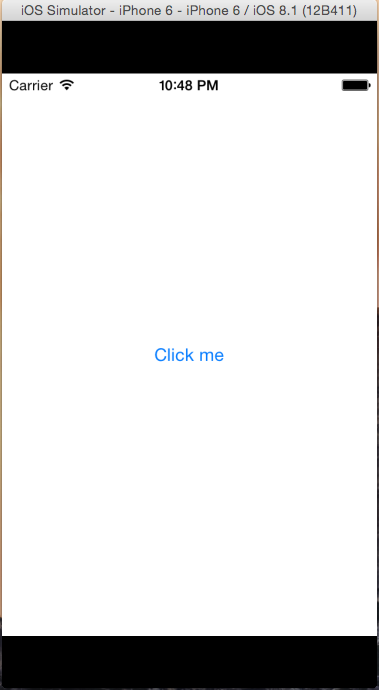
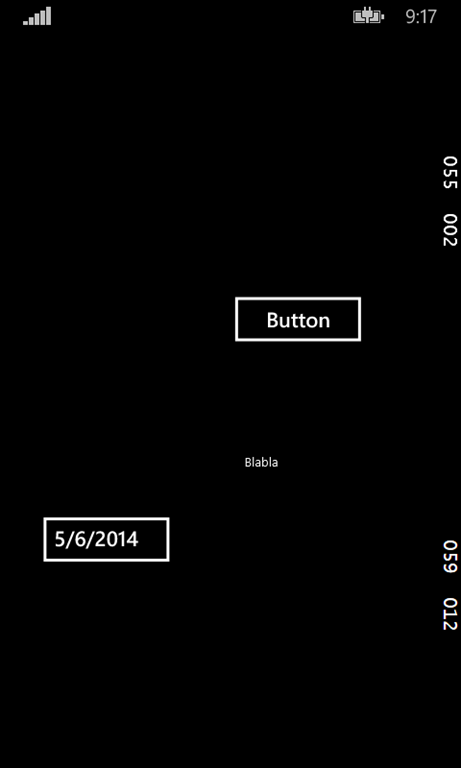
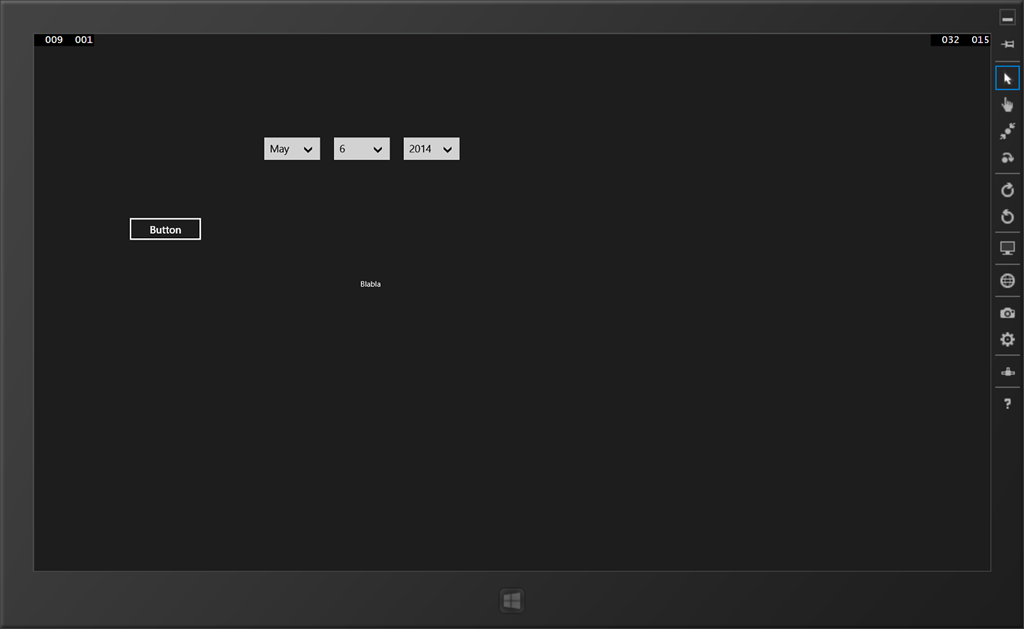
And sure enough:

The screen shows up and you can happily drag the items along, although dragging a Windows Phone date picker is quite a challenge.
So there you have it – behaviors completely defined in PCL, courtesy of a little NuGet trick. Could the Windows Phone and/or Windows Team have done this themselves? Possibly – but don’t forget I just sailed past anything that is not managed, like C++. And if there ain’t any challenges for MVPs to meet, fat lot of use we would be, eh? ;-)
A zip file with both the NuGet package and the Universal Windows App can be found here. For now it’s a kind of proof of concept, soon I will be putting this NuGet package out on NuGet itself and use it for the new version of WpWinNl. After some rigorous testing ;).
Update – after some thinking I decided to call this IBehaviorPortable and have uploaded it to NuGet with that name.